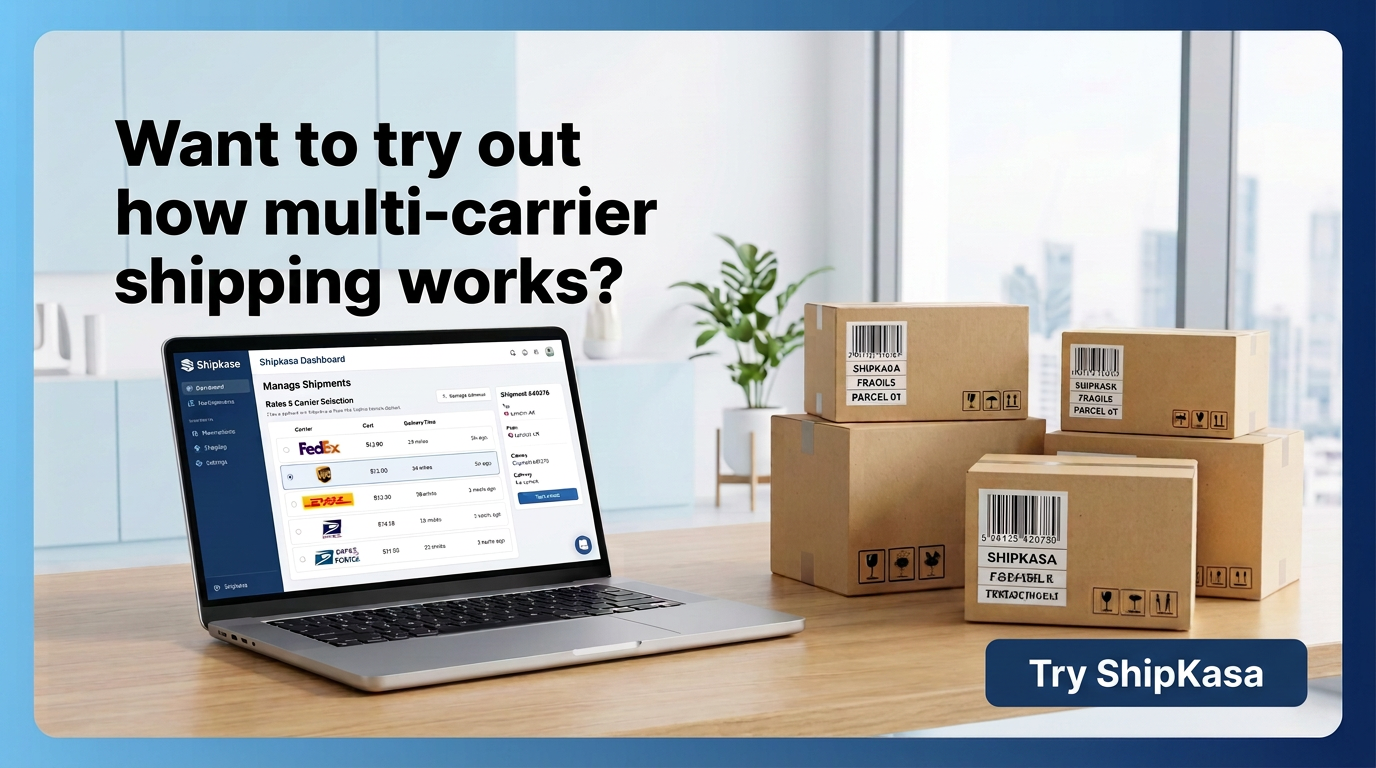
How Multi Carrier Shipping Works: A Beginner’s Guide to Comparing Rates, Batching Orders, and Tracking Multi-Package Shipments
September 17, 2026 9 min read

When an order comes in, shipping can look simple from the outside: a customer buys, you pack the item, print a label, and the carrier takes it from there. That approach works when you send only a few packages. But as order volume grows, each shipment brings more decisions. Which carrier should you choose? Which service level meets your delivery promise? Is there a better rate elsewhere? What if one order needs two or three boxes? That’s where multi-carrier shipping helps. Instead of managing shipments one by one, it brings orders, carrier rates, labels, and tracking into a single workflow. Here’s what happens behind the scenes.
How Does Multi Carrier Shipping Work?
At its core, multi carrier shipping follows a simple workflow:
Order → Order Sync → Rate Shopping → Carrier Selection → Label Creation → Tracking
To save time, you can use batch processing to run these steps for multiple orders at once instead of handling each order individually. Here’s what happens at each stage.

Step 1: Your Order Comes In
A customer places an order in your online store or marketplace. The order gives your fulfillment team the starting information they need. Before you can ship it, you need to have the necessary details ready, such as:
- Customer name and shipping address
- Items purchased and quantities
- Package weight and dimensions
- Shipping service
- Any applicable delivery instructions
- Order and fulfillment details
Without shipping software, your team may need to open a carrier website and manually re-enter this information. With a connected shipping platform, orders flow into your shipping workflow automatically.
As a result, your fulfillment team works in one place instead of switching between your store and multiple carrier sites.
Step 2: The Shipping System Looks at the Package
Before a carrier can provide a meaningful shipping rate, it needs to know what is being shipped and where it is going.
The important details typically include:
- Origin ZIP code
- Destination ZIP code
- Package weight
- Package dimensions
- Number of packages
- Requested service level
These details matter because the cheapest option for one shipment may not be the cheapest option for another.
A lightweight package going across the country can produce a very different set of carrier options from a large package going to a nearby ZIP code.
Step 3: Rate Shopping Compares Your Options
This is one of the main reasons businesses use multiple carriers.
Suppose you need to ship the same package using USPS, UPS, FedEx, DHL, and OnTrac.
Instead of checking each carrier separately, shipping software can request available rates and present the options together.
You might see something like:
Carrier | Service | Estimated Cost |
|---|---|---|
Carrier A | Ground | $X |
Carrier B | Ground | $Y |
Carrier C | Ground | $Z |
The exact rates depend on the carrier accounts, package information, destination, service, and other applicable charges.
The point is not simply to find the cheapest number.
A business may choose a different service because it offers a faster delivery window or better fits the shipment's requirements.
Rate shopping turns carrier selection from a habit into a decision based on the shipment in front of you.
Step 4: A Carrier and Service Are Selected
Once the available options are visible, the business can select the service that fits the shipment. Some shipping workflows allow teams to make this decision manually. Others can use predefined rules.
For example:
If a shipment meets certain weight, destination, or service requirements, use a particular carrier or service. The exact rules depend on the shipping platform and the business's setup. The important part is that the decision doesn't have to be made from scratch for every package.
Step 5: The Shipping Label Is Created
Once the carrier and service are selected, the shipping label can be generated. The label contains the information the carrier needs to move the package, including the destination and tracking information. This is where connected shipping software can eliminate another repetitive task.
Instead of copying an address from your store into a carrier website, the order information already exists inside the shipping workflow. For a single order, that saves a few steps.
For hundreds of orders, removing those repeated steps can make a much bigger difference.
Step 6: Batch Processing Handles Multiple Orders
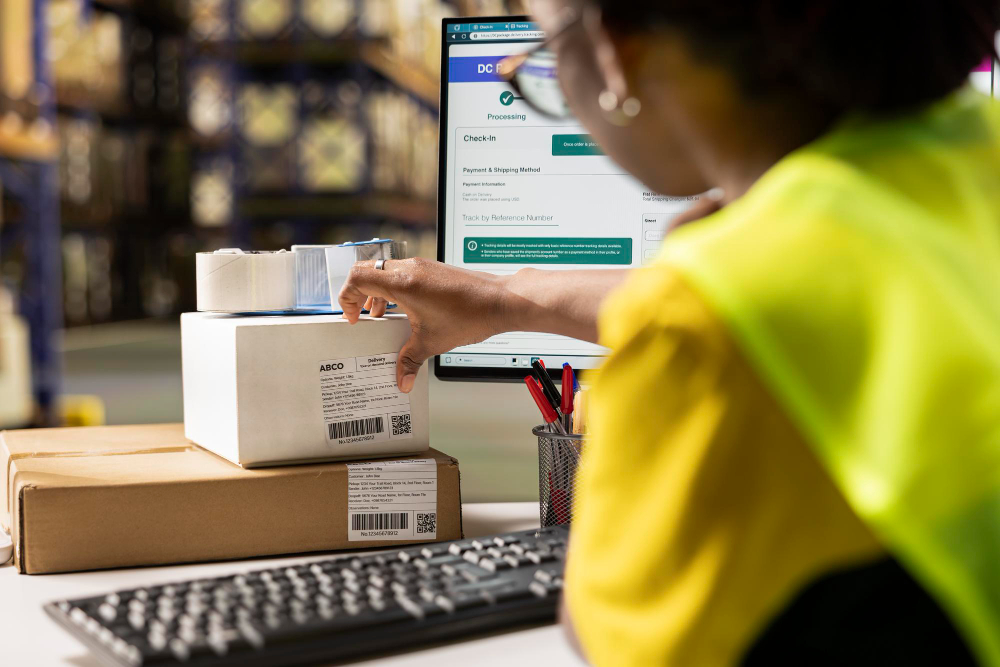
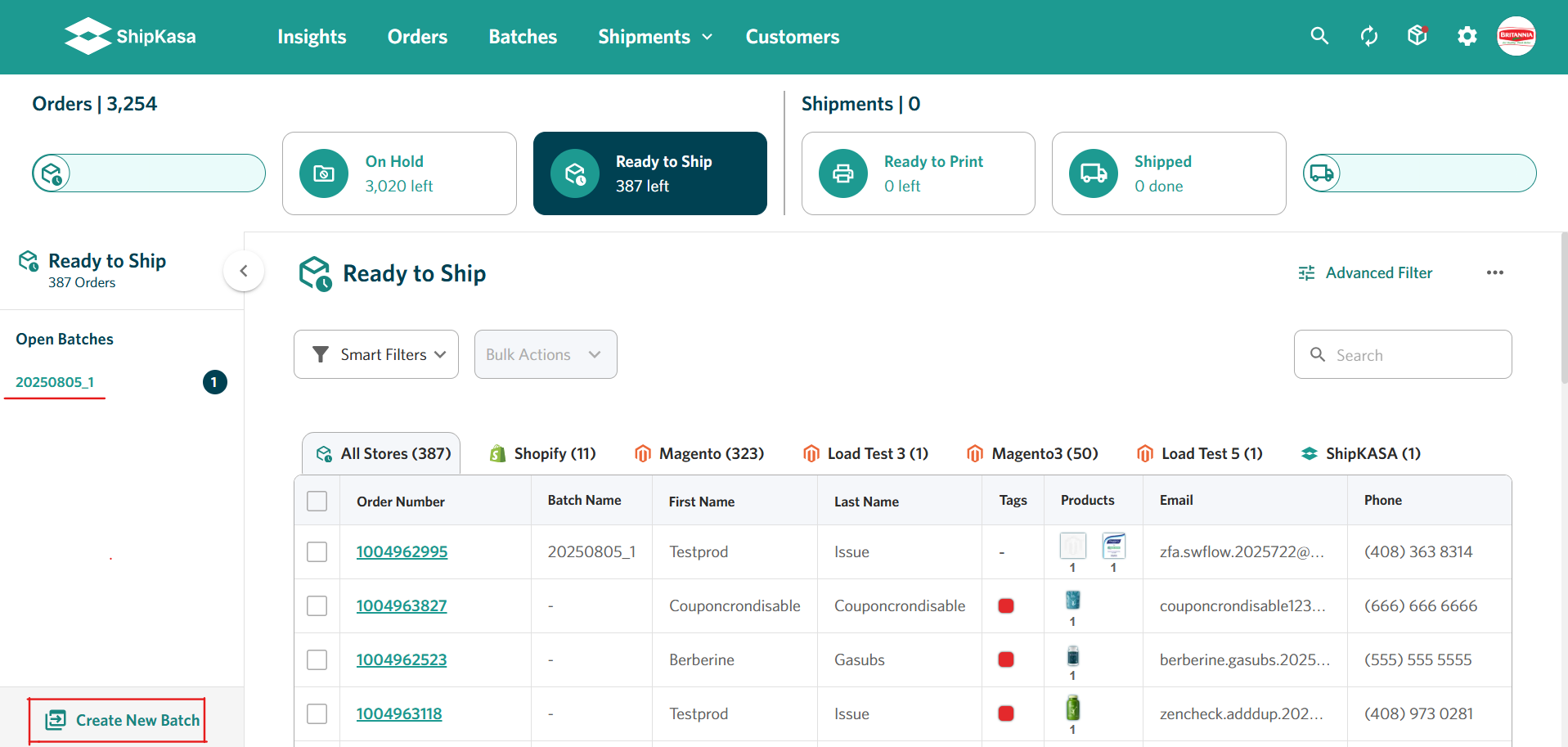
Now imagine doing the same process for 100 orders. Without batch processing, a fulfillment employee may need to open, review, select, print, and repeat the process for each shipment. Batch processing changes the workflow.
Instead of treating every order as an isolated task, the team can select a group of orders and process them together.
For example:
100 orders → review → apply shipping decisions → generate labels → print
The exact capabilities vary between platforms, but the basic idea is simple:
Process the work as a batch instead of repeating the same action 100 times.
This is especially useful when a business has predictable daily shipping volume.
Step 7: Tracking Information Goes Back to the Order
Creating the label is not the end of the shipping process. The customer still needs to know where the package is. After a label is created, the tracking number can be associated with the shipment and synchronized back to the connected sales channel, depending on the platform and integration.
That creates a connected flow:
Order → Shipment → Tracking Number → Customer
Instead of manually copying tracking information from one system into another, the information can remain connected to the original order.
What Happens When An Order Needs Multi-Piece Shipment?
This is where shipping can become a little more complicated. Imagine a customer orders a large product that consists of multiple components that need to be packaged separately. Or they order several products that cannot safely fit into a single package.
For example, a customer orders a large piece of equipment that needs to be shipped as three separate packages:
- Package 1: Main unit
- Package 2: Components and accessories
- Package 3: Additional parts
This is known as a multi-piece shipment: one shipment made up of multiple physical packages going to the same customer.
Each package may have its own shipping label and tracking information, while all the packages remain associated with the same order.
A multi-piece shipping workflow helps the fulfillment team keep those packages connected to the correct order and helps customers understand that multiple tracking numbers belong to the same purchase. This is particularly useful when shipping large, bulky, fragile, or multi-component products that need to be packaged separately.
Rate Shopping vs Simply Using Multiple Carriers
Using multiple carriers does not automatically mean you're rate shopping. A business could have UPS, USPS, and FedEx accounts and still manually choose UPS for every shipment. That's a multi-carrier setup, but it isn't necessarily a rate-shopping workflow.
Rate shopping means comparing available shipping options for a particular shipment before selecting the service.
That distinction matters. The value of having multiple carriers is not simply having more logos in your shipping dashboard. It's having options you can evaluate when the shipment is created.
Batch Shipping vs Shipping One Order at a Time
The difference is easier to understand with a simple example.
Individual processing
Order 1 → label
Order 2 → label
Order 3 → label
Order 4 → label
And so on.
Batch processing
Orders 1–100 → review and process as a group → labels
The second approach doesn't eliminate the need to review exceptions or verify shipments. It simply removes the need to repeat the same basic actions unnecessarily. That distinction becomes increasingly important as order volume grows.
When Does Multi Carrier Shipping Start Making Sense?
There isn't one order volume at which every business needs multi-carrier shipping.
Businesses often use multiple carriers because no single carrier is necessarily the best fit for every shipment. The right option can vary based on the package, destination, delivery requirements, and available shipping services.
For example:
- Package size and weight: Different carriers and services have different size and weight limits, surcharges, and dimensional-weight rules. A carrier that works well for standard parcels may not be the most suitable option for an unusually large or heavy package.
- Destination: Certain destinations have specialized requirements or service considerations. For example, USPS has dedicated processes for APO/FPO/DPO military and diplomatic addresses.
- Shipping cost: The lowest-cost option can vary from one shipment to another depending on the package's weight, dimensions, origin, destination, and service level.
- Delivery requirements: A business may choose different carriers or services depending on whether an order needs standard, expedited, or other delivery options.
- Product characteristics: Large, lightweight, fragile, or unusually shaped products can be subject to different dimensional-weight rules, fees, or service limitations depending on the carrier.
- Coverage and service availability: Using multiple carriers can give a business more options when a particular carrier or service isn't suitable for a specific destination or shipment.
As order volume grows, manually making these carrier decisions for every shipment can become increasingly time-consuming.
This is where a multi-carrier shipping workflow becomes useful: instead of treating every order the same way, your team can choose the carrier and service that best fits the shipment while managing the process from one place.
Stage | What happens | Information involved |
|---|---|---|
Order received | Order enters shipping workflow | Items, address, order details |
Package prepared | Package details are determined | Weight, dimensions, number of boxes |
Rate shopping | Available services are compared | Carrier, service, destination, package |
Service selected | Shipping option is chosen | Rate + delivery requirements |
Label created | Carrier label is generated | Address + service + tracking |
Shipment processed | Package is handed to carrier | Label + package |
Tracking updated | Tracking is associated with order | Tracking number + order |
How ShipKasa Fits Into the Multi-Carrier Workflow
ShipKasa brings orders and shipping operations into a centralized web-based workflow.
Businesses can connect supported ecommerce channels, bring orders into the platform, compare available carrier rates, process shipments in batches, create labels, and keep shipment information connected to the order.
ShipKasa supports carriers including USPS, UPS, FedEx, DHL, and OnTrac, along with ecommerce platforms including Shopify, Amazon, Walmart, Magento, WooCommerce, BigCommerce, and Target.
For a growing ecommerce business, the goal is simple: spend less time moving data between systems. Spend more time shipping orders.
The Simple Version
If all the terminology makes multi-carrier shipping sound complicated, remember the basic workflow:
1. An order comes in.
2. The order information reaches the shipping workflow.
3. Package and destination details are used to find available shipping options.
4. Rates and services can be compared.
5. A carrier and service are selected.
6. The shipping label is created.
7. Multiple orders can be processed together through batch shipping.
8. Tracking information stays connected to the shipment and order.
9. If an order requires multiple boxes, the shipments can be managed as part of the same order.
That's multi-carrier shipping at its core.
The technology can be more advanced. But the goal stays the same.
It should be easier to manage order received → package shipped → customer tracking.
Want to go deeper?
If you're comparing shipping software or planning a multi-carrier strategy, our Multi-Carrier Shipping Software: The Complete Guide covers the broader picture, including carrier selection, shipping costs, dimensional weight, batch processing, integrations, and implementation considerations.